

 MUSIC
MUSIC
For music i usually try to use my mp3 player. I have an innioasis y1 and im very pleased with it! I modded it by putting rockbox on it which is super easy, especially as innioasis themselves gives instructions on how to do it on their website. Also, since i think this mp3 player got popular on tiktok a while ago, theres a lot of videos and resources for it online. Even without rockbox, the default firmware also allows for themes both default and community made and really cute ones at that! I use this fork of rockbox made for the y1, the 240p version for better theme support. It works great so far and is optimized for the y1! Another thing that I love about my mp3 player is how long the battery life is. It can last me multiple days and charges with a usb-c cable! Having this player is a huge step up from when I used to use a handmedown ipod nano 3rd gen. That thing was such a pain.... the battery would die as soon as the charger was unplugged and of course it only worked with itunes, which there is a workaround for windows but after my switch to linux i wasn't able to find a replacement, and in trying to do so i think i bricked that ipod..?? Overall I am very satisfied with my y1 and I do use it a ton!
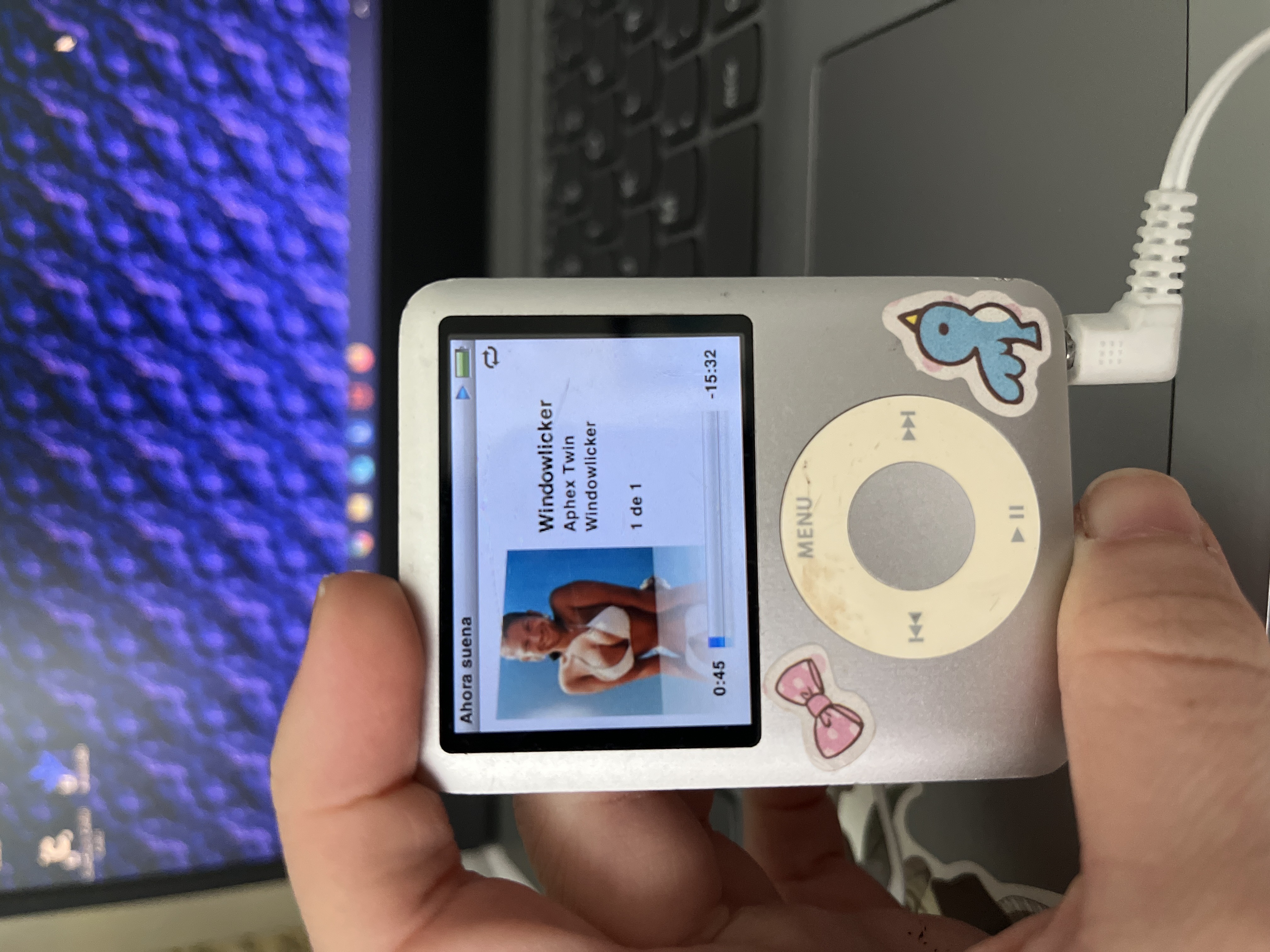
ipod nano 3rd gen
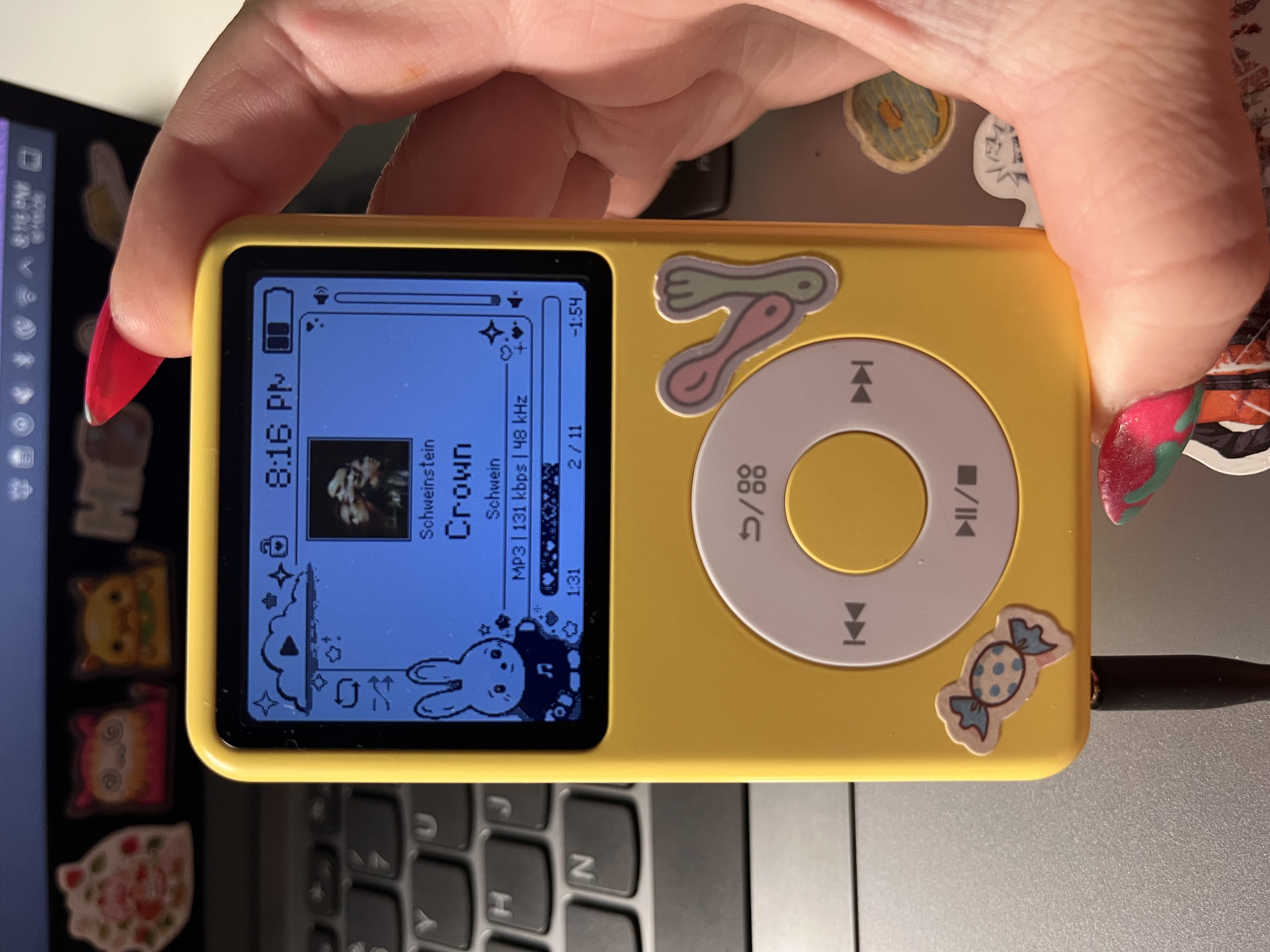
innioasis y1 with rockbox and sorta showing off my awesome nails done by my sibling :3

I don't listen to all my music on an mp3 player, usually I use youtube and musi, and if i like a song or album a whole lot or i'm just listening to it a lot at the moment, i'll add it to my mp3 player. the whole reason I got one in the first place or more, the final straw was when my school's wifi blocked vpns from being used. I could still go on youtube, but some stuff was restricted. Having an mp3 player allows me to completely bypass this problem, as I have all my music saved, so theres no loading or buffering or worrying whether there's service in a particular area of the school I find myself in.

HOW I DOWNLOAD MUSIC
To download my music I use tartube, (which is also available on windows) it's a youtube-dl gui that is so incredibly versatile, and can be used to even download in .wav, .flac, and many more formats! i use mp3 the most because it takes up less space. I just paste my playlist's youtube link into the text box and it downloads all the videos! I had to do some tweaking to be able to seamlessly download all my videos, like importing cookies and doing some javascript thing i don't even remember, but everything's good now! When I had windows I used mediahuman which is also good for downloading whole playlists. My tartube downloads don't come with the metadata, so if i really want something like an album cover or album tracks in order I use musicbrainz picard which is available for windows, mac, and linux! You drag and drop the folder your music is in or individual songs, and it overwrites them with the album cover, track number, name, etc and you can change different settings as to how specifically you want your stuff organized (like adding genres and release dates). After this is done and nothing looks off I just drag and drop the album or playlist folder into my mp3 player file system and booom!!!!!!!! music!!!!!! i've had problems downloading from topic channels (some error message i dont even know) so when this happens and i can't find any other uploads of an album i want on youtube (happened to me with pig albums) i use soulseek! last resort option because as stated before, i prefer mp3s. soulseek usually has the correct metadata, so i don't need to worry about putting the files through picard.
 MOVIES AND SHOWS
I'm not really one for watching tv shows, but when I feel like it or when I wanna watch a movie I look on freemediaheckyeah for sites to watch on since my go to site no longer exists. RIP PUTLOCKER FOREVER MISSED. please please please when going through these sites use an adblocker and a vpn i cannot stress it enough no one wants to see weird ads or popups when theyre trying to watch a movie or show. my favorite adblocker is ublock origin which you can get from the firefox add on/extension section (is that what its called?) or if you're using google chrome (why? seriously.) ublock origin lite is still on the web store and works the exact same! free media heck yeah has a ton of stuff other than to watch shows or movies. have a look around!
 GAMES
GAMES
I'm also not much of a gamer (what do i even do with my life) but when I do want to play a game I mostly use steamrip which I've also linked on my other sites page. It's very easy to use, the readme that comes with whatever game you downloaded is very straightforward. To even run any games from here to begin with I use wine which is a compatibility later, so I can run windows software such as exe files. Wine can be tricky to install, so I recommend using a tutorial online instead of going through the wine website yourself. I'm currently using arch linux, and this tutorial was very helpful! and this one is great if youre on debian! of course if you're on windows you don't need to be doing any of this. also, the save files dont transfer when you switch to a new os, so when i distro hopped even though I had my game that i was playing with a save file on a usb stick, when i went to drag it back to my desktop the save file was gone. but don't worry about this if you aren't distro hopping. if you aren't the save files work like normal. I use faugus launcher to organize my games into a graphical interface since theyre just files on the system, so it makes everything a lot easier to navigate. It also has a save system that if you put that file in another drive (idk how to explain) it will keep your save files even if you distro hop! It works pretty well on debian though its intended for cachyos im pretty sure? I was able to play needy streamer overload just fine, but instead of getting it on steamrip I used fitgirl repacks which is also great! Switched to it because it was easier to get onto faugus launcher instead of using steamrip. I switched back to arch linux recently and games like Bayonetta work pretty good for how shitty my laptop is LOL the graphics are kind of butt but its playable! That's just a hardware issue on my end.

